
Free Advertising + Free Email for Your Church
The Google Grant for churches Does More Than You Think—HarvestSites Makes It Simple.
HarvestSites helps your church unlock the full potential of the Google Grant, providing $10,000 in free Google Ads every month to expand your reach, promote events, and grow your ministry. Plus, we’ll set up Google Workspace for Nonprofits, giving your team professional email addresses and powerful collaboration tools—all at no cost.
- $10,000/mo in Free Google Ads
- Free Google Workspace Email
- We Help You Get Setup at Zero Cost
What Is the Google Grant for Churches?
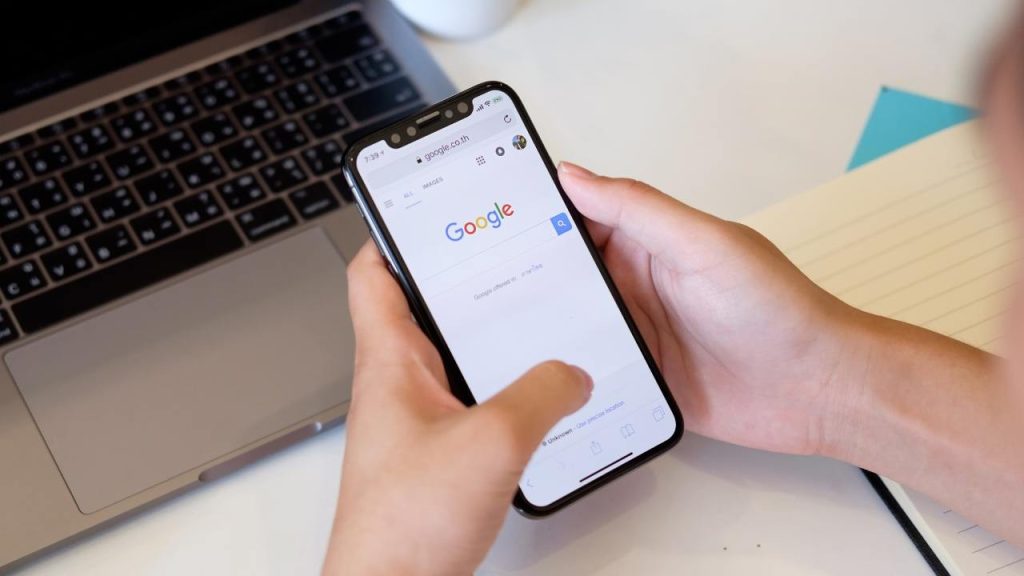
The Google Ad Grants program provides eligible churches with $10,000 every month in free Google Ads to reach their communities online. But that’s not all! Churches can also access Google Workspace for Nonprofits, giving your team professional email addresses and tools at no cost.

Why Does This Matter for Your Church?
The Google Grant is more than free ads—it’s a complete digital ministry toolkit:
- Expand Your Reach: Use Google Ads to bring people to your website and services.
- Promote Events: Increase attendance at worship services, outreach activities, and special events.
- Professionalize Communication: Set up professional email addresses with Google Workspace to build trust and credibility.
- Collaborate Seamlessly: Access Google’s suite of productivity tools like Docs, Sheets, and Calendar, all included for free.
Why Partner with HarvestSites?
Applying for the Google Grant and setting up Google Workspace can be overwhelming. HarvestSites simplifies the process so your church can focus on ministry. We provide:
- Grant Setup: We guide you step-by-step to help you secure the Google Grant for your church.
- Workspace Setup: We help you claim free Google Workspace, which includes free email and collaboration for your church staff.

Google Grant for Churches FAQ
Got questions? We got answers!
What if our church doesn't have a 501(c)(3)
In order to be eligable for the Google Grant your church must be registered with the IRS as exempt from federal income tax under Section 501(c)(3) of the US Internal Revenue Code, or a group exempt organization with proven affiliation to a central nonprofit that has 501c3 status.
How long does this process usually take?
It generally takes about 3-5 business days. Google's partner (Goodstack) needs to verify your organization and that you're affiliated with it. That can take an additional 7-14 Days.
You'll get an email as soon as your organization has been verified. You can also sign in to Google for Nonprofits to check the status of your request.
Our Church is part of a denomination, How can I find my nonprofit registration number or tax ID?
If your organization has charity status through group exemption provided by a parent organization, you may still be eligible for Google for Nonprofits.
Group exempt organizations must supply their own EIN, and documentation showing their group exemption number and that they are affiliated with a central organization that has 501c3 status that they can use. Once your organization has been verified, you will be able to activate Google products independently of the other organizations that share your group exemption.
Can I show my ads to only one location?
Yes! Location targeting allows you to show ads to people in a specified area.
You can select the cities, states, provinces, metro areas, countries, and regions of your choice. Just be sure to adhere to the geo-targeting policy requirements when setting up location targeting for your campaigns.
Do I have to spend the $10,000 every month to keep my Ad Grants?
No, there is no spend requirement.
Our church already uses Google Ads. Is it okay to have an Ad Grants account and a standard, paid Google Ads account at the same time?
Yes, standard accounts are a great way to extend your impact and access additional features such as remarketing, image ads, and video ads. Your accounts will not compete with one another because Ad Grants ads are in a separate auction after paid ads.
Still have questions?
Not a problem. We are here to help. Contact us or check out our documentation for answers to your questions.